
This is an instruction manual, which includes the product features and usage methods
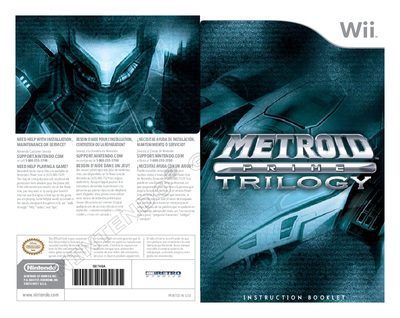
This manual provides essential health and safety warnings, warranty information, and step‑by‑step instructions for installing and playing Metroid Prime Trilogy on the Wii console. It explains how to insert the game disc, create or select a Mii profile, and navigate the main menu, as well as how to manage saved files and use the Wii Remote and Nunchuk controls.
The guide also details in‑game settings such as lock‑on, aim sensitivity, brightness, and audio volumes, and describes the various game modes, multiplayer options, and extra features like the Credits system, Bonus Gallery, and Hypermode attacks. Troubleshooting tips and contact information for Nintendo support are included.
Use the Rumble setting in the Options menu; turning it ON enables vibration and OFF disables it.
No, the game can only be played with the Wii Remote and Nunchuk; GameCube controllers are not supported.