
The D-FJ787 is a portable CD player with FM/AM radio function produced by Sony Corporation.
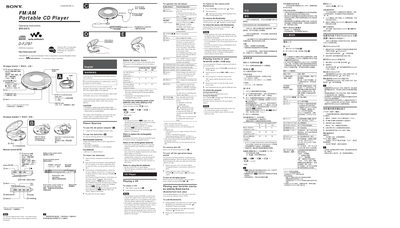
This manual provides step‑by‑step instructions for using the Sony D-FJ787 portable CD player, including how to insert and remove CDs, operate the jog lever, use the remote control, and manage power sources such as the AC adaptor, rechargeable NH‑7WMAA/NH‑WM2AA batteries, or LR6 alkaline cells. It also explains radio operation, presetting stations, and using features like G‑PROTECTION, SOUND modes, bookmarks, and PGM play.
Safety and maintenance information is included, covering precautions against fire or shock, battery handling, cleaning the device, and troubleshooting common issues. The guide also details how to connect the player to a stereo system and use the connecting cord for recording.
| DC Input Voltage | 4.5 V |
|---|---|
| Rechargeable Battery Type | NH‑7WMAA (supplied) |
| Rechargeable Battery Type (optional) | NH‑WM2AA (not supplied) |
| Dry Battery Type | LR6 (AA) alkaline |
| Battery Life (NH‑7WMAA) | about 2 hours |
| Battery Life (NH‑WM2AA) | about 4 hours |
Connect the AC power adaptor to the DC IN 4.5 V jack and press the CHARGE button; the CHARGE lamp will flash while charging and turn off when full.
You can preset up to 40 stations: 30 for FM and 10 for AM.
During playback, press and hold the jog lever until the “gf” (Bookmark) flashes on the display; the flashing will slow once the bookmark is stored.