
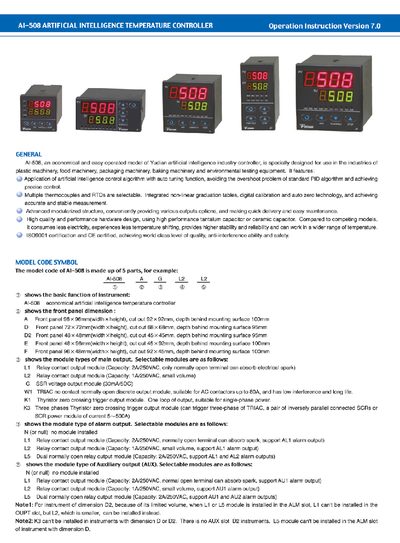
The AI-508 artificial intelligence temperature controller is designed for plastic, food, packaging, baking machinery and environmental testing equipment. It offers AI‑based PID control with auto‑tuning, multiple thermocouple/RTD inputs, modular output options, and high reliability.
The guide explains front‑panel functions, parameter settings, auto‑tuning procedures, and wiring diagrams for various dimensions (A, D, D2, E, F). It also lists technical specifications, alarm functions, and recommended installation practices.
| Input type | K, S, R, E, J, N, Pt100 |
|---|---|
| Measurement accuracy | 0.3 %FS + 17 |
| Temperature display resolution | 1 °C |
| Control mode | On‑off control or AI PID control with auto‑tuning |
| Power consumption | < 3 W |
In basic display status, press the CW key to increase and the CC key to decrease the setpoint (SV); hold the key for faster changes.
Select AI PID mode (CtrL=APId), press the auto‑tuning key (At) for 2 seconds, set At to “on”, and the controller runs on‑off cycles to calculate PID parameters.