
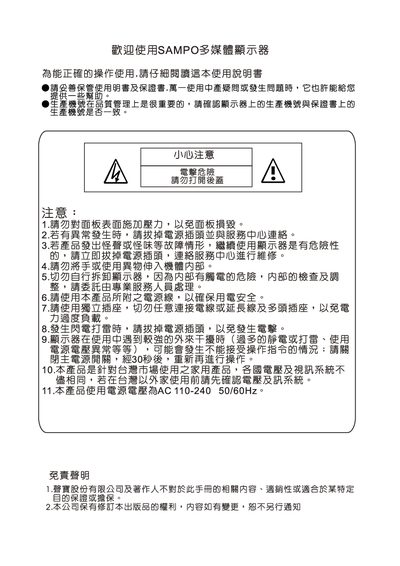
The manual begins with safety guidelines, including warnings about electrical hazards, liquid exposure, and condensation when moving the monitor from a cold to a warm environment. It also lists the package contents and optional accessories such as a wall‑mount bracket.
Subsequent sections describe how to connect the monitor to a PC via HDMI, RGB or RS‑232, basic operation controls (power, volume, menu, input selection), image adjustments, function settings, and troubleshooting steps. The final part provides the monitor’s specifications and dimensions for the optional wall‑mount bracket. This manual is written in Chinese.
| Inclination angle options | 0,5,10,15 degrees |
|---|---|
| Angle thickness | 74 mm |
Allow the monitor to sit for a while before powering on to avoid condensation.
Hold the VOL+ key to increase brightness or the VOL‑ key to decrease it.
No, liquids must not enter the monitor as this can cause failure.