
FastTrack USB is a compact professional audio interface for Windows and Mac. You just need to connect Fast Track USB with your computer via USB, no need to open the computer and no need for other external power. Fast Track USB audio interface provides everything you need for complete, professional quality recordings. An XLR microphone input and a TRS line/instrument input, stereo RCA outputs and headphone output. 16 or 24 bit digital audio, supports 44.1kHz/48kHz sample rate. Fast Track USB is compact and exquisite, and you can carry it with you for music creation or live performances.
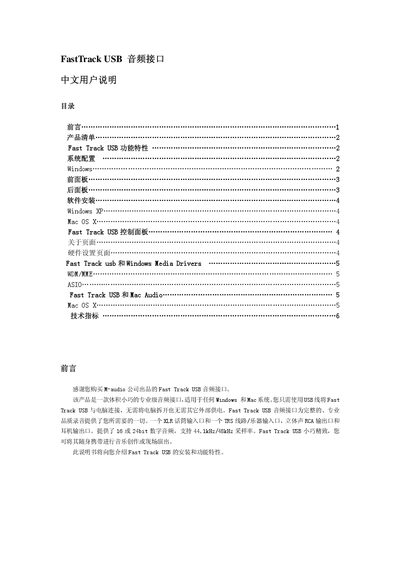
The Fast Track USB is a compact, professional‑grade audio interface that connects to a Windows or Mac computer via a single USB cable and requires no external power. It offers a microphone XLR input, a balanced TRS line/instrument input, RCA line outputs, a headphone jack, and supports 16‑ or 24‑bit audio at 44.1 kHz or 48 kHz.
This manual covers the product contents, system requirements, front‑ and rear‑panel controls, software installation for Windows and Mac, driver configuration, and detailed technical specifications such as input levels, signal‑to‑noise ratios, and frequency response. This manual is written in Chinese.
| Mic Input Max Level | -22 dBu |
|---|---|
| Mic Input Signal‑to‑Noise Ratio | 100 dB (A‑weighted) |
| Instrument Input Max Level | +3.2 dBV |
| Line Input Max Level | +2.1 dBV |
| Line Output Max Level | +2.0 dBV |
| Headphone Output Max Level | 2.1 Vpp (≈2.5 dBV) |
Use the front‑panel gain control labeled “输入电平” to adjust the XLR microphone input level.