
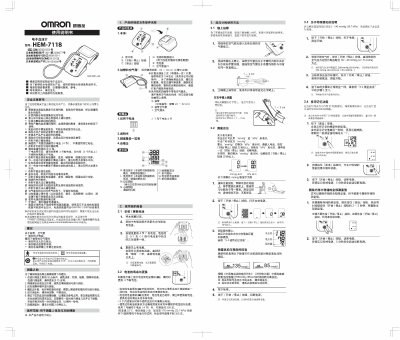
This manual provides safety warnings, preparation steps, and detailed instructions for using the Omron HEM-7118 electronic blood pressure monitor. It covers battery installation, cuff placement, measurement procedures, unit conversion, memory functions, and troubleshooting tips.
Additional sections describe specifications, maintenance, warranty information, and environmental disposal guidelines, helping users keep the device accurate and safe over its service life. This manual is written in Chinese.
| Model | HEM-7118 |
|---|---|
| Display | Digital |
| Measurement method | Oscillometric |
| Pulse rate range | 40~180 beats/min |
| Power source | 4 alkaline 7A batteries (dry cell) or optional AC 220V adapter |
| Battery life (7A alkaline) | ≈300 measurements under standard conditions |
| Operating temperature | 23 °C |
| Storage temperature | -20 °C to +60 °C |
| Weight | ≈245 g (without batteries) |
| Dimensions (W×H×D) | 104 mm × 128 mm × 64 mm |
| Cuff size | 22–32 cm (146 mm × 446 mm, ≈120 g) |
| Air‑tube length | 600 mm |
The cuff must be tightened enough to temporarily stop arterial blood flow, which can cause temporary discomfort; the sensation disappears after the cuff is released.
The optimal times are within one hour after waking up in the morning or before bedtime, preferably after urination and before breakfast if measured in the morning.
Press and hold the "Read" button, then press the "Start/Stop" button for about 2–3 seconds; the device will erase all stored readings.