
This document introduces the installation of SIM card and battery, charging, powering on, screen, inserting storage card and other operations of Nokia N93 mobile phone. It also introduces some functions and settings of the phone, such as keyboard lock, shortcuts in standby mode, MMS and mobile internet settings.
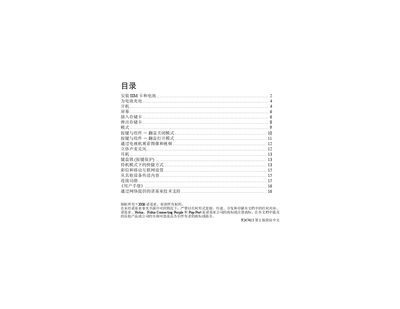
This manual guides you through the basic setup of the Nokia N93, including installing the SIM card, inserting the battery, and charging the device. It also covers screen operation, storage card handling, and connecting the phone to other devices via infrared, Bluetooth, or USB.
Additional sections explain MMS and mobile internet configuration, safety precautions, and how to access the built‑in help system for further assistance while using the phone. This manual is written in Chinese.
| Supported memory card | miniSD |
|---|
Only miniSD cards are compatible; other cards such as MMC or MultiMediaCards will not fit and may damage the device.