
This document introduces the application functions of the Nokia E62 mobile phone on the China Mobile network. It includes China Mobile services, address book, Mobile Dream Network, My Favorites, and customer service functions. It also introduces some other settings and changes, such as preset startup screen, shutdown screen, standby mode, and theme mode.
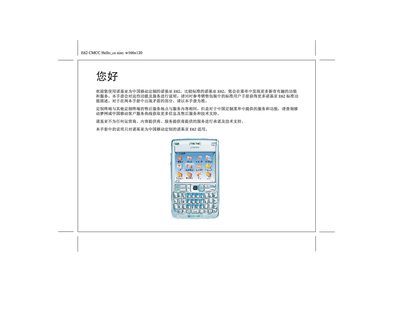
The manual provides instructions for the Nokia E62 model that has been customized for China Mobile (CMCC). It supplements the standard Nokia E62 user guide and should be used as the authoritative source for any differences between the two manuals.
The document walks the user through the China Mobile‑specific menu items, DreamNet access, online finance, custom startup/shutdown screens, and other service applications, showing how to navigate the phone’s functions and where to find additional support. This manual is written in Chinese.
Open the "在线理财" (online finance) option in the Number Manager to access financial services.
Yes, the manual provides preset China Mobile startup and shutdown screens that can be applied in the settings.