
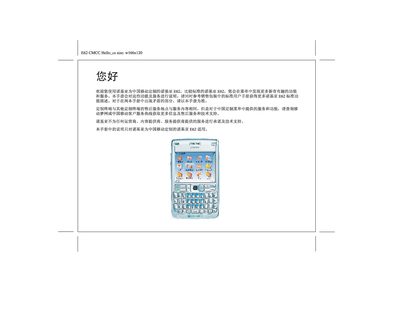
The guide introduces the Nokia E62 customized for China Mobile, describing the added services, menus, and special functions that differ from the standard E62. It directs users to refer to the standard Nokia E62 user manual for general features and clarifies that any conflicts should be resolved in favor of this customized manual.
The manual details how to access China Mobile services such as the Dream Net homepage, online finance, My Favorites, and customer service applications, as well as how to change preset startup, shutdown, and standby screens specific to the carrier. This manual is written in Chinese.
From the main menu, select “我的收藏” (My Favorites) to open the favorites collection.
Use the preset China Mobile startup picture option in the settings.