
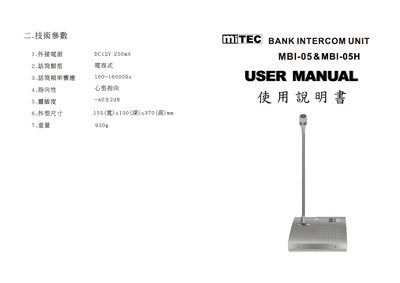
The document lists the technical parameters of the MBI-05/MBI-05H intercom, including power supply, audio characteristics, dimensions and weight. It also describes the layout of connectors, volume controls, mute function, and adjustable microphone stand.
Detailed sections explain how to connect external power, use the client and host audio jacks, adjust volume on both the host and client sides, and operate the mute button. The manual includes wiring diagrams and notes on proper polarity for the DC12 V input. This manual is written in Chinese.
| Power Supply | DC12 V 250 mA |
|---|---|
| Frequency Response | 100 Hz – 16 kHz |
| Sensitivity | -40 ± 2 dB |
| Dimensions (W×D×H) | 155 mm × 130 mm × 370 mm |
It requires a DC12 V supply with a current draw of 250 mA.
The unit covers frequencies from 100 Hz to 16 kHz.
Turn the volume knob on the host; rotating clockwise increases volume, counter‑clockwise decreases it.
Yes, the microphone stand height can be set to any desired position.