
This is a user manual for the Samsung SGH-E700 phone
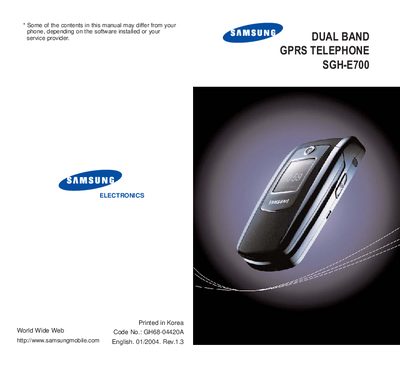
This manual covers important safety precautions, unpacking details, and the physical layout of the SGH‑E700 phone, including key functions and menu navigation. It also explains how to use core features such as calling, messaging, phonebook management, and camera operation.
Additional sections provide information on network services, infrared activation, and troubleshooting, along with a quick reference card for common tasks. The document includes safety warnings for road use, aircraft, hospitals, and fuel stations, and lists optional accessories and battery information.
| Network | Dual band GPRS |
|---|
Ensure the phone is switched on and in service, key in the emergency number for your location, then press the # key.
No, the phone is not water‑resistant; keep it dry.
The package includes a travel adapter, battery, hand strap, ear‑microphone, and a user manual; additional accessories such as a charger and hands‑free kit are available separately.