
This file is the pdf format file of the user manual for SCH-X359
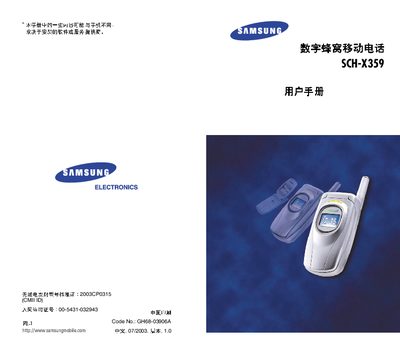
This manual begins with important safety precautions, packaging contents, and an overview of the phone’s hardware components such as the antenna, display, and keys. It also explains how to open the package and lists the included accessories like earphones, a phone strap, and the user guide.
The later sections describe the phone’s functions, including call handling, text input methods, menu navigation, ringtone and volume settings, background lighting, language selection, and emergency call procedures. Detailed explanations of icons, service indicators, and special modes such as roaming and data/fax are also provided. This manual is written in Chinese.
Turn the phone on, ensure it is in service area, enter the emergency number and press the * key.
No, the phone cannot get wet; keep it dry at all times.
The package contains earphones, a phone strap, and the user manual.
Press the volume key while the phone is in standby mode to change the ringtone volume.