
This document introduces the usage and precautions of a precision instrument product. The product provides a satisfying user experience and features functions such as video recording, photography, audio recording, and playback. The document also includes preparation steps such as installing the battery, using the charger, and inserting a memory card. Users are advised to avoid dropping, colliding, keep the product dry, and prevent exposure to high temperatures and direct sunlight.
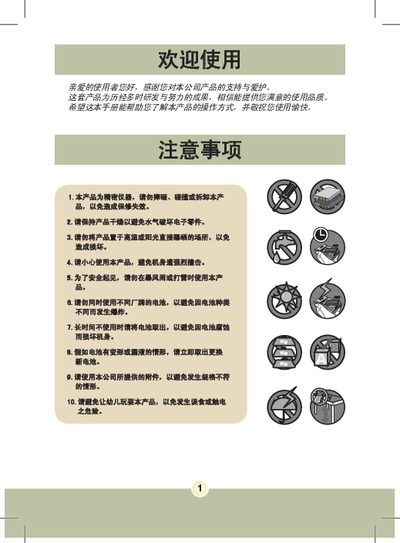
The manual explains safety precautions such as keeping the device dry, avoiding drops, high temperatures and using only the supplied accessories. It then guides the user through preparation, battery installation, charging, memory‑card insertion, wrist‑band attachment and basic menu operation.
The later sections list technical specifications, supported video and photo resolutions, LCD size, battery type, dimensions and compatible computer operating systems. This manual is written in Chinese.
| Maximum Photo Resolution | 800万像素 |
|---|---|
| Video Resolution | 640x480 (VGA) |
| LCD Screen Size | 2.4 inch |
| Battery Type | Mokia 8210 series rechargeable lithium battery (3.7 V, 850 mAh) |
| Dimensions | 110 × 72 × 34 mm |
| Operating System Compatibility | Windows 98SE/ME/2000/XP |
Charge the battery for at least 4 hours before first use.