
This document is a user manual for a multimedia LCD monitor, emphasizing the prohibition of moving the product to abnormal places or using it for other purposes. It provides emergency handling methods, safety precautions, and pedestal installation instructions.
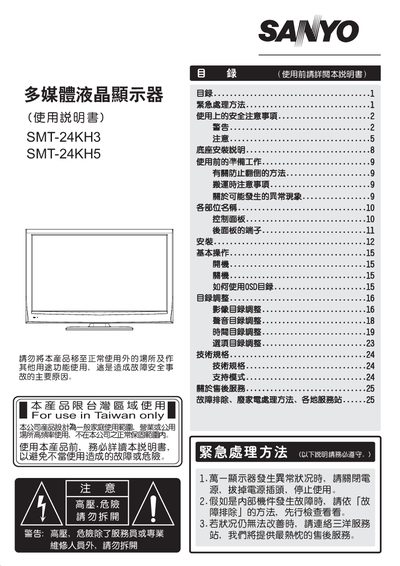
This manual provides safety warnings, emergency handling procedures, and detailed installation instructions for the Sanyo SMT-24KH3 and SMT-24KH5 multimedia LCD displays. It explains proper placement, power connection, and how to secure the unit to prevent tipping or damage.
The guide also describes the on‑screen display (OSD) functions, basic operation such as power on/off, menu navigation, and adjustment of picture and audio settings. Technical specifications, supported video modes, and service information are listed at the end of the document. This manual is written in Chinese.
| Supported Resolutions | 640×480, 800×600, 1024×768, 1280×1024, 1360×768, 1920×1080 (60 Hz) |
|---|---|
| Power Consumption | 56 W (0.8 A) |
| Dimensions (W×D×H) | 574 mm × 188 mm × 428 mm |
| Brightness | 300 cd/m² |
| Viewing Angle (H/V) | 160°/150° |
| Color Depth | 16.7 M colors |
Turn off the main power switch, unplug the power cord, stop using the unit, and contact the Sanyo service center for assistance.
No. The manual prohibits opening the rear cover or modifying the unit yourself; only qualified service personnel may perform repairs.
Use only the supplied AC 110 V power cord; other voltages or extensions may cause fire or electric shock.