
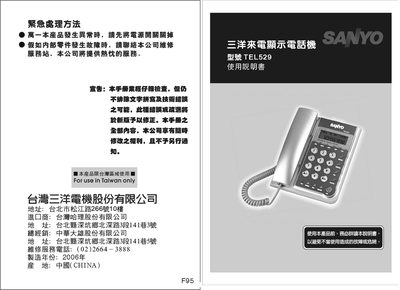
This user manual provides step‑by‑step instructions for installing the Sanyo TEL529 caller ID display, including wiring, battery installation, and initial setup. Safety warnings and handling precautions are highlighted to prevent electrical hazards and damage.
The guide also covers everyday functions such as adjusting LCD brightness, using the call‑log, deleting records, and configuring regional codes. Troubleshooting tips and service information are included for common issues like short‑circuit risks and battery leakage. This manual is written in Chinese.
| Power source | 3 x AAA batteries |
|---|---|
| Call log capacity | 38 call records |
| LCD brightness levels | 5 levels |
| Manufacturing year | 2006 |
| Country of origin | China |
It can store up to 38 call records; older records are overwritten when the limit is reached.
Use the brightness key; the display offers up to five brightness levels.
The device is powered by three AAA (size‑C) batteries.