
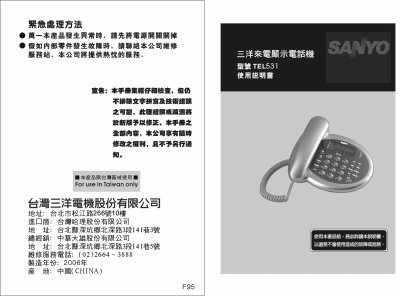
This manual provides step‑by‑step instructions for installing the Sanyo TEL531 telephone, inserting batteries, and configuring caller‑ID display. It also covers safety precautions, proper handling of the power cord, and how to avoid damage or fire hazards.
Additional sections describe the function keys, how to use hands‑free and automatic redial features, and detailed procedures for viewing, deleting, and redialing incoming and outgoing call records. This manual is written in Chinese.
| Battery type | Three AA batteries |
|---|---|
| Power supply | AC 110 V |
| Display backlight | Blue backlight LCD |
| Incoming call record capacity | 38 groups of incoming call records |
| Outgoing call record capacity | 5 groups of outgoing call records |
Select the desired call entry and press the Delete/Exit key; the number will be removed from the list.
Insert the batteries and ensure the telephone exchange provides caller‑ID service; the display will show the incoming number.