
This manual introduces the use of the Fujifilm digital camera FinePix F31fd, including shooting, playback, movies, settings, camera connection, software installation, etc.
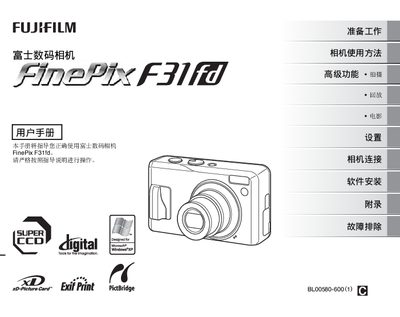
This manual explains how to prepare the FinePix F31fd camera, including battery installation, memory‑card insertion, power on/off, language selection, and the various shooting modes. It also details playback functions, movie recording, and connection options for TV and printers.
Additional sections cover software installation on Windows and macOS, troubleshooting tips, technical specifications, and an appendix with regulatory information. This manual is written in Chinese.
Insert the battery as shown in the preparation section.
Insert the xD‑Picture Card into the slot as described in the preparation steps.
Use the power switch to turn the camera on or off, as indicated in the manual.