
This manual provides instructions on how to correctly use the FUJIFILM DIGITAL CAMERA FinePix A920/FinePix A900/FinePix A825/FinePix A820/FinePix A800/ FinePix A610, including photography settings, camera connection, software installation, playback, movie and appendices.
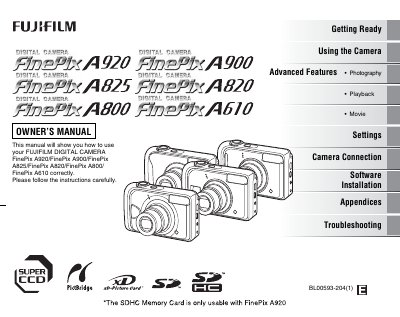
This Owner's Manual provides step‑by‑step instructions for using the FinePix A920, A900, A825, A820, A800 and A610 cameras. It covers everything from loading batteries and memory cards to shooting stills, recording movies, and connecting the camera to a TV or computer.
The guide also includes advanced photography features, playback options, DPOF print ordering, safety notes, troubleshooting tips, and full specifications. Appendices contain software installation procedures for Windows and Mac OS X, as well as regulatory compliance information.
| Movie recording format | Motion JPEG |
|---|---|
| Movie resolution | 320 × 240 pixels |
| Movie frame rate | 30 fps (fixed) |
| Maximum movie file size | up to 2 GB |
| Sound recording in movies | Monaural sound (A610: no sound) |
The A900, A825, A820, A800 and A610 accept xD‑Picture Cards and SD Memory Cards, while the A920 also supports SDHC cards.
All models except the A610 record monaural sound; the A610 records video without sound.
Insert the memory card and select the reset option; the camera will prompt "[RESET DPOF OK ?]" to confirm.