
This is a user manual for a laser printer, which mainly introduces the installation and use of the printer.
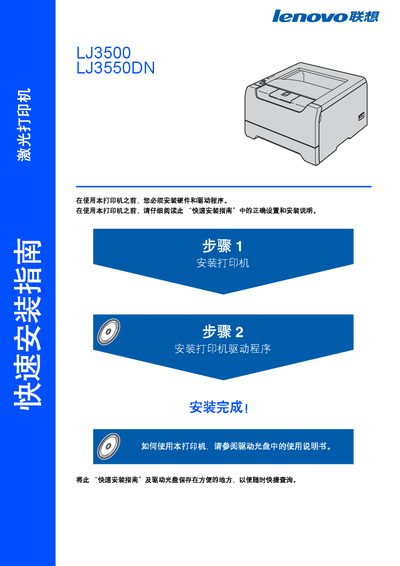
This guide provides step‑by‑step instructions for installing the printer hardware, loading the toner and drum, inserting paper, and configuring drivers for Windows, Macintosh and network environments. It also lists required cables, their length limits, and how to connect the printer to a PC or LAN.
Safety information covers high‑voltage components, hot internal parts, proper disposal of toner, and laser radiation classifications. The document includes a packing list, accessory details, and basic troubleshooting tips. This manual is written in Chinese.
| Laser Safety Class | Class 1 (IEC 60825‑1) |
|---|---|
| Laser Category | Class 3B |
| Wavelength | 770‑810 nm |
| Maximum Radiation | 5 mW |
| Maximum Cable Length | 2 m |
| Power Supply | AC mains within rated voltage range |
Before cleaning, turn off the power switch and unplug the printer from the outlet.
USB and parallel cables must not exceed 2 meters (about 6 feet) in length.
The printer complies with IEC 60825‑1 as a Class 1 laser product and contains a Class 3B laser diode.