
Key facts
- Manuals
- 1
- Categories
- 1
- Languages
- ZH
- Last added
- 2012-03-15
Featured LJ3500 manuals
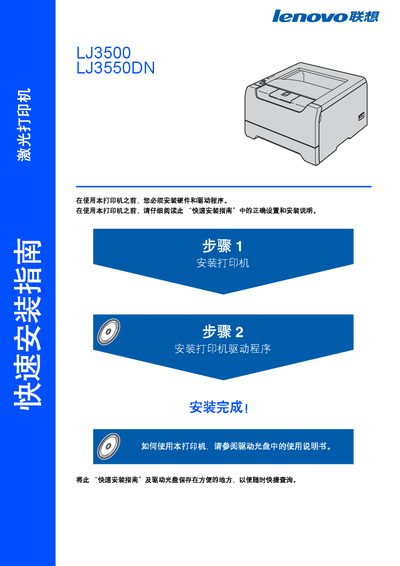
Lenovo LJ3500 / LJ3550DN Laser Printer Quick Installation Guide
This guide provides step‑by‑step instructions for installing the printer hardware, loading the toner and drum, inserting paper, and configuring drivers for Windows, Macintosh and network environments. It also lists required cables, their length limits, and how to connect the printer to a PC or LAN.
Safety information covers high‑voltage components, hot internal parts, proper disposal of toner, and laser radiation classifications. The document includes a packing list, accessory details, and basic troubleshooting tips. This manual is written in Chinese.
Covers: Safety Precautions · Printer Installation · Driver Installation · Cable Requirements · Supplies and Accessories · Network Setup
Latest LJ3500 manuals
Lenovo LJ3500 / LJ3550DN Laser Printer Quick Installation Guide
Quick Start Guide 32 pages · 3.3 MB · ZHA concise guide for safely installing and setting up Lenovo LJ3500 and LJ3550DN laser printers.
Which document do I need?
Quick Start Guide
The shortest path to a working setup, usually only a few pages.
Questions answered in LJ3500 manuals
How should I clean the printer safely?
Before cleaning, turn off the power switch and unplug the printer from the outlet.
From: Lenovo LJ3500 / LJ3550DN Laser Printer Quick Installation Guide
What is the maximum allowed length for USB and parallel cables?
USB and parallel cables must not exceed 2 meters (about 6 feet) in length.
From: Lenovo LJ3500 / LJ3550DN Laser Printer Quick Installation Guide