
This document introduces the AMD RAID installation guide
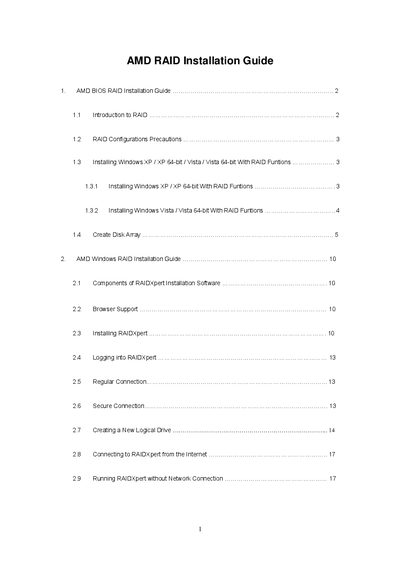
This guide provides step‑by‑step instructions for setting up AMD's onboard RAID controller. It covers BIOS configuration, driver diskette creation, RAID level selection (RAID 0, 1, 10, JBOD, RAID Ready), and logical‑drive creation using the FastBuild utility.
Additional sections describe how to install Windows XP, Vista, and their 64‑bit versions on a RAID array, how to use the RAIDXpert web interface, and how to connect to RAIDXpert from the Internet or run it offline.
| Write Cache policy | None |
|---|---|
| Gigabyte Boundary | On (default) |
| Cache Mode | WriteBack |
| Initialization policy options | Fast Initialization, Full Initialization, None |
| Supported drive model example | ST380013AS – 90 027 MB |
Enter the BIOS Setup Utility, go to the Advanced screen, select IDE Configuration, and set the “SATA Operation Mode” option to [RAID].
After your network administrator opens the firewall, access the Host PC by its IP address from outside the network using a web browser.
Yes. Launch RAIDXpert, click the Work Offline button, then sign in with your credentials; the interface will operate locally.