
The XMT-8000 series intelligent temperature controller is a multi-function regulating instrument using a dedicated microprocessor. It adopts a switch power supply and surface mount technology (SMT), so the instrument is exquisite and compact, with reliable performance. The unique self-diagnostic function, self-tuning function and intelligent control function enable the operator to obtain good results through simple operation.
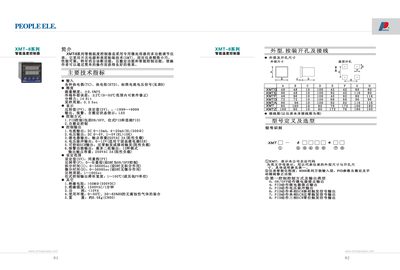
This manual introduces the XMT-8 series intelligent temperature controller, describing its input options (thermocouple, RTD, voltage/current), output functions (current, voltage, SCR, alarm), and physical characteristics such as size, weight, and environmental limits. It also explains the controller's self‑diagnosis features and how to interpret error messages.
Detailed sections cover parameter configuration, data‑lock protection, alarm setup, and wiring diagrams. Users can learn how to enable the AT auto‑tuning function, adjust PID parameters, and perform routine maintenance or troubleshooting steps. This manual is written in Chinese.
| Current output range | DC 0‑10 mA, 4‑20 mA |
|---|---|
| Voltage output range | DC 0‑5 V, 1‑5 V |
| Output contact rating | 250 VAC 3 A (resistive load) |
| Insulation resistance | >50 MΩ |
| Insulation strength | 1500 VAC / 1 min |
| Power consumption | <10 VA |
| Operating environment | 0‑50 °C, 30‑85 % RH |
| Weight | ≈0.5 kg |
| Sampling period | 0.5 s |
Press the SET key and the < key together for about 3 seconds to enter the data‑lock setting mode.
The controller displays messages such as “仪表故障 请送检修” indicating a fault that requires service.
Turn on the “AT” auto‑tuning feature; when P=0 the controller operates in ON/OFF mode.