
This document introduces AMD RAID installation guide, including BIOS RAID installation guide and Windows RAID installation guide.
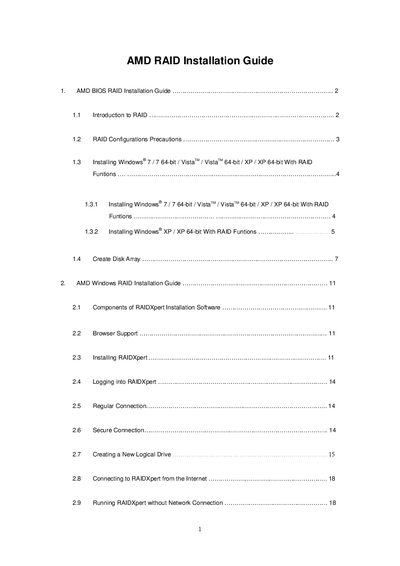
The AMD SB950 RAID Installation Guide provides step‑by‑step instructions for setting up RAID arrays on AMD motherboards. It covers RAID concepts (0, 1, 5, 10, 0+1, Ready, JBOD), hardware requirements, and precautions such as using identical drives.
The manual details BIOS configuration (setting SATA Mode to RAID), creating driver diskettes, using the RAIDXpert utility, and installing Windows XP, Vista, or 7. It also explains how to define logical drives, adjust stripe block size, cache policies, and how to connect to RAIDXpert locally or over the Internet.
| Maximum physical drives supported | 4 |
|---|---|
| Stripe Block size options | 64 KB, 128 KB |
| Write Cache policy | None |
| Gigabyte Boundary policy default | On (rounds down to nearest GB) |
| Initialization policy options | Fast Initialization, Full Initialization, None |
Enter the UEFI Setup Utility, go to the Advanced screen, select Storage Configuration, and set the “SATA Mode” option to [RAID].
RAID 1 is recommended for most applications.
Yes, RAIDXpert can be run offline on the Host PC by selecting the Work Offline option.
You can select a stripe block size of either 64 KB or 128 KB.