
This is the BIOS setup interface of a computer, which can be used to configure CPU, memory, clock, etc.
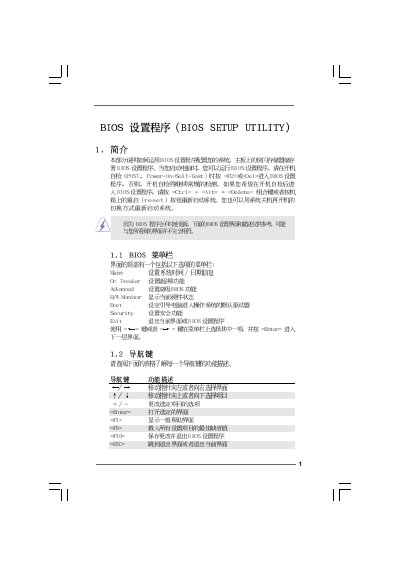
This manual provides step‑by‑step instructions for navigating the BIOS Setup Utility on the Asus X58 Extreme3 motherboard. It covers the main menu, OC Tweaker, hardware monitor, boot configuration, security settings and advanced chipset options.
Each section describes the available options, key shortcuts (Enter, Tab, +/-) and the impact of changing settings such as CPU ratio, memory timing, and power‑saving features. Safety warnings are included for overclocking and BIOS updates. This manual is written in Chinese.
| BIOS Version | v02.54 |
|---|---|
| L3 Cache Size | 8192 KB |
| DRAM Timing (Current Setting) | 7‑7‑7‑20‑59‑8‑4‑4‑4‑20 |
| Default Boot Device Order | 1st: Hard Disk Drives, 2nd: Removable Drives, 3rd: CD/DVD Drives |
Select the System Time screen and use the [+] or [-] keys to adjust the time.
Press F9 on any BIOS screen to load the default configuration.
Enter the Security Settings menu, choose Change Supervisor Password, and follow the prompts.