
Key facts
- Manuals
- 1
- Categories
- 1
- Languages
- ZH
- Last added
- 2012-03-14
Featured BISO manuals
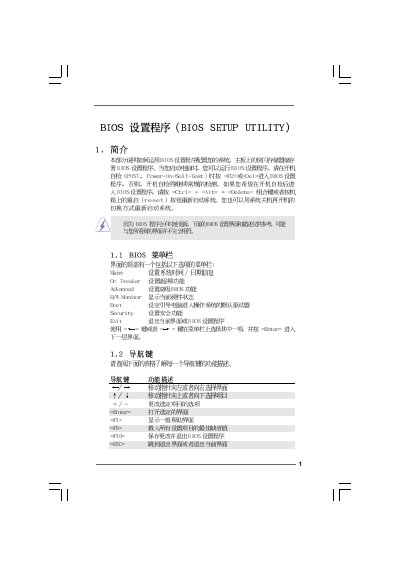
Asus X58 Extreme3 BIOS Setup Utility User Manual
This manual provides step‑by‑step instructions for navigating the BIOS Setup Utility on the Asus X58 Extreme3 motherboard. It covers the main menu, OC Tweaker, hardware monitor, boot configuration, security settings and advanced chipset options.
Each section describes the available options, key shortcuts (Enter, Tab, +/-) and the impact of changing settings such as CPU ratio, memory timing, and power‑saving features. Safety warnings are included for overclocking and BIOS updates. This manual is written in Chinese.
Covers: Main Menu · OC Tweaker · Hardware Monitor · Boot Settings · Security Settings · CPU Configuration
Latest BISO manuals
Asus X58 Extreme3 BIOS Setup Utility User Manual
User Manual 20 pages · 774 KB · ZHThe Asus X58 Extreme3 BIOS Setup Utility manual explains how to configure system time, boot order, security passwords and advanced hardware settings.
Which document do I need?
User Manual
Day-to-day operation, settings and troubleshooting. Start here if the product is already set up.
Questions answered in BISO manuals
How do I change the system time in the BIOS?
Select the System Time screen and use the [+] or [-] keys to adjust the time.
How can I restore the BIOS to its default settings?
Press F9 on any BIOS screen to load the default configuration.