
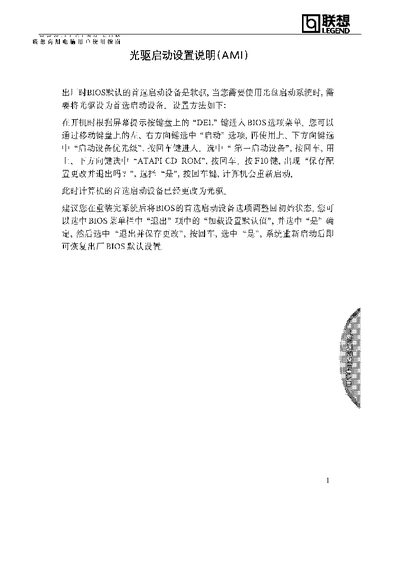
Lenovo AMI CD-ROM Boot Set User Manual


Lenovo AMI CD-ROM Boot Set User Manual - cover page
Brand
Lenovo
Category
Desktops
Document type
User Manual
Language
Japanese
Pages
2
File format
PDF
File size
73 KB
Published
14 March, 2012
Updated
13 April, 2012
MD5 checksum
BC865BE461067B6EDC491FC54856B28D

About this manual

The guide describes the steps to enter the BIOS setup by pressing the DEL key during power‑on, navigate the boot order menu, and select the ATAPI CD‑ROM as the first boot device. After adjusting the order, the user saves the changes with the F10 key and exits the BIOS.

Following these instructions restores the default boot configuration if needed and ensures the system can boot from the CD‑ROM after a reinstall or BIOS reset. This manual is written in Japanese.

What's inside

  • Entering BIOS Setup
  • Selecting ATAPI CD-ROM
  • Saving Changes and Exiting
Download PDF (73 KB)

More Lenovo Manuals


View all Lenovo manuals →