
TES-2800/2801 is an automatic switching digital multimeter produced by Tai Shi Electronics. Its main functions include AC/DC voltage, resistance, conduction, diode, frequency, DC current, and AC current measurement. It supports automatic/manual mode switching and has a double-slope integral measurement principle, a 3 3/4-digit liquid crystal display, and a maximum reading of 3999 and an analog display.
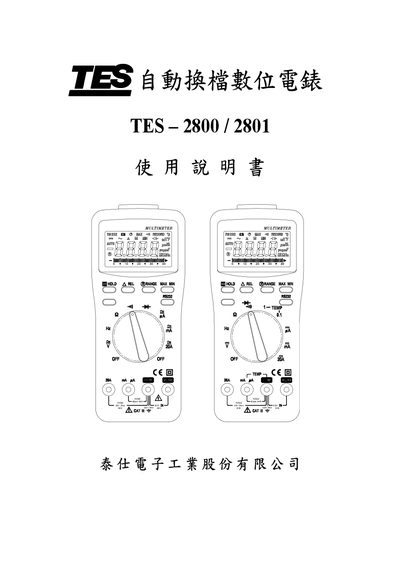
This manual begins with safety guidelines, environmental limits, and general specifications such as a 3 ¾‑digit LCD display, maximum reading of 3999, and dimensions of 205 × 90 × 46 mm. Electrical specifications cover DC voltage up to 600 V, AC voltage up to 600 V, current ranges up to 0.5 A, and battery life of about 400 h (2800) or 200 h (2801).\n\nThe operation section describes measurement functions, button functions, auto‑range, relative mode, data hold, and RS‑232 communication. Maintenance instructions cover battery and fuse replacement, and the software chapter lists hardware/software requirements and installation steps. This manual is written in Chinese.
| Display | 3 ¾‑digit LCD |
|---|---|
| Maximum Reading | 3999 |
| Battery Life | ≈400 h (2800) / ≈200 h (2801) |
| Power Supply | 9 V battery (S‑006P) |
| Dimensions | 205 × 90 × 46 mm |
| Weight | ≈400 g |
The battery lasts about 400 hours of continuous use for the TES‑2800 and about 200 hours for the TES‑2801.
Turn the range selector switch to OFF, then hold any button except HOLD and rotate the switch again to cancel the auto shut‑off.
Pressing the relative test button makes the LCD show the “△REL” symbol, indicating that the displayed value has been zeroed for relative measurement.