
TES-1307 digital temperature meter user manual, including product specifications, measurement methods, storage records and deletion records, setting modes, battery replacement, temperature probe specifications, instrument and computer connection, etc.
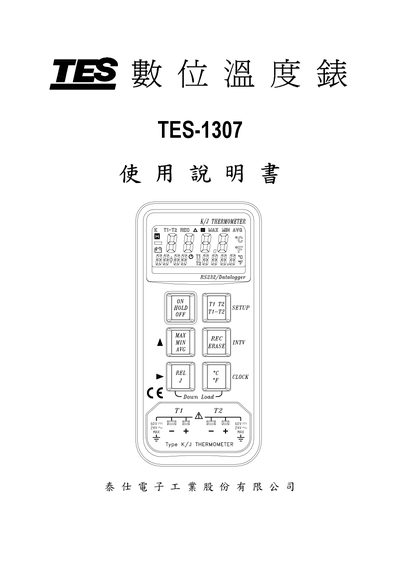
This manual covers safe operating conditions, environmental limits, and handling precautions for the TES-1307 digital temperature meter. It includes detailed specifications such as measurement ranges for Type K and Type J thermocouples, resolution, sampling rate, and accuracy.
The guide explains how to use the device, replace the battery, configure settings (date, time, units, recording modes), connect to a computer via RS‑232, and export recorded data to Microsoft Excel. It also describes the functions of each button and LCD symbols. This manual is written in Chinese.
| Measurement range (Type K) | -190 °C to 1333 °C |
|---|---|
| Measurement range (Type J) | -190 °C to 760 °C |
| Resolution | 0.1 °C / 1 °C / 0.1 °F / 1 °F |
| Sampling rate | 1 sample per second |
| Record capacity | 8000 records, up to 255 groups |
| Power supply | Single 9 V battery |
| Battery life | Approximately 50 hours |
| Dimensions (L×W×H) | 145 mm × 68 mm × 35 mm |
| Weight | ≈235 g (including battery) |
Battery replacement is described in section 8 of the manual.
Press and hold the T1 T2 T1‑T2 key while powering on, then use the CLOCK key to adjust the date and time.
Use the "Convert to Excel" function described in section 10‑7 to save the data file and open it with Microsoft Excel.
The Type J range is –190 °C to 760 °C.