
PRP-Q5 is a 3G router and mobile power supply integrated device that supports multiple WiFi terminals to connect simultaneously, and charging and networking can be done simultaneously.
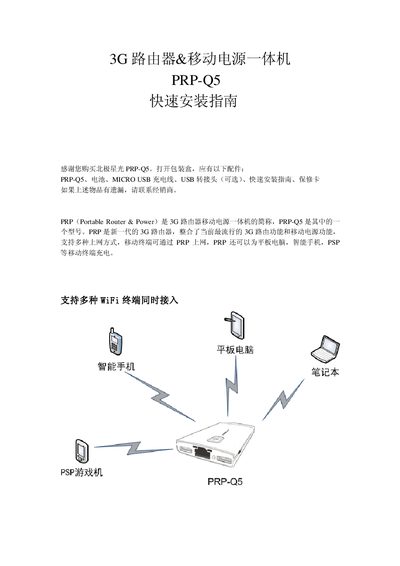
This guide begins with the package contents and a description of the PRP‑Q5 device, including the DC 5 V power input, reset/Ethernet switch, LED indicators, USB charging port, WAN/LAN RJ45 port, 3G interface and power switch. It also details the meaning of the status LEDs for charging, battery level and network activity.
Installation steps cover battery insertion, connecting a 3G USB card, powering on the router, connecting to the Wi‑Fi network (SSID "PORAY PRP Q5"), accessing the web management interface at 192.168.100.1, and configuring internet access (3G, DHCP, static IP or PPPoE). The guide finishes with troubleshooting tips and a short FAQ. This manual is written in Chinese.
| Power input voltage | DC 5 V |
|---|---|
| USB charging output | 5 V 3 A adaptive |
| Ethernet port | 10/100 M RJ45 |
| Charging time (1000 mA charger) | ~4.5 hours |
| Charging time (500 mA charger) | ~9 hours |
Check that the 3G card is supported, the SIM card contacts are good, no PIN lock is set, and the router’s 3G parameters are correct.
Turn the power switch to ON and short the power‑input port to the USB‑OUT port with a charging cable.