
This document is the Sansa® Clip User's Manual, which describes the features and characteristics of the product.
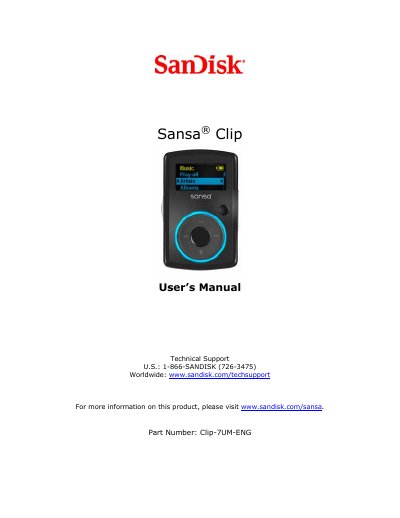
This manual covers safety and cleaning instructions, an overview of the Sansa Clip’s features such as the 1.0” display, built‑in microphone, FM radio, and rechargeable battery, as well as the required system specifications for transferring media. It also details the package contents and explains the hold switch that locks the device to prevent accidental operation.
The guide walks users through basic operations like powering on/off, resetting, connecting to a computer via USB, loading and playing music, using FM radio, recording voice, adjusting settings, and troubleshooting common issues. Warranty and technical support information are provided at the end of the document.
| Battery life | up to 15 hours |
|---|---|
| Display size | 1.0 inch |
| Microphone | built‑in |
| FM radio | integrated (if applicable) |
| Supported audio formats | MP3, WAV, WMA, secure WMA, Audiobook |
Slide the Power Switch up; the blue ring lights and the main menu appears.
Connect the USB cable to a computer USB port or an AC/car adapter; a charging indicator will appear and the battery level will blink while charging.
Slide the Power Button up and hold it for about 15 seconds to reset the player.
Plug the smaller end of the USB cable into an available USB port on the computer; the player will appear as a Portable Media Player.