
This document is an assembly and installation manual for the Smart-UPS® RT external battery cabinet, describing the components and installation methods of the external battery cabinet.
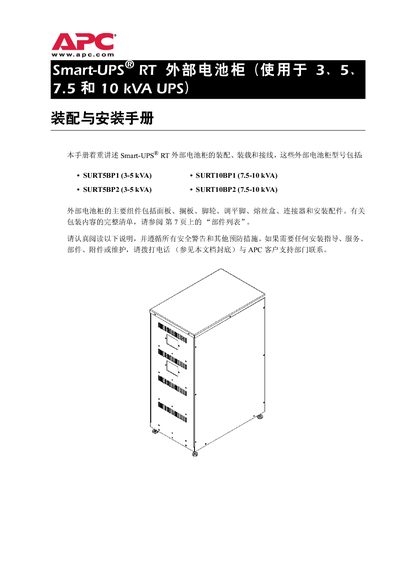
This guide provides step‑by‑step instructions for assembling, installing and wiring APC Smart‑UPS RT external battery cabinets. It includes safety warnings, required tools, torque specifications and detailed diagrams for both small and large battery configurations.
The document also covers transport, acceptance procedures, placement guidelines, grounding, and the APC battery warranty terms. It lists parts, dimensions, weight, and model‑specific specifications for the SURTSBP1, SURTSBP2, SURT10BP1 and SURT10BP2 cabinets. This manual is written in Chinese.
| Fuse Rating | 35 A |
|---|---|
| Output Voltage | 192 VDC |
| Output Current | 26 A |
| Cabinet Dimensions | 994 mm × 416 mm × 660 mm |
Only qualified electricians may perform the installation.
The power source must be disconnected before any battery terminal work.