
The Lenovo IdeaPad S10-3t is a convertible laptop with a rotating screen, equipped with features such as a built-in camera and OneKey Rescue System.
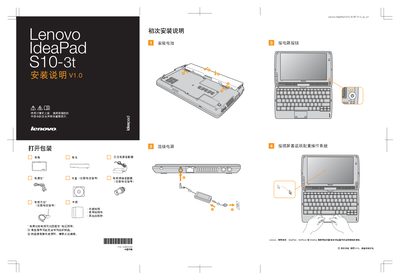
The manual begins with safety statements and important reminders before using the computer, then walks the user through unpacking, connecting the power adapter, inserting the battery, and configuring the operating system as shown on the screen. It also lists the items that may be included with the device and advises contacting the dealer for missing or damaged parts.
Subsequent sections describe the functions of each hardware button (Power, NaturalTouch, Mute, OneKey Rescue System), the built‑in camera, the wireless communication switch, and how to connect external devices such as Ethernet cables. It notes that the S10-3t uses an LED‑backlit LCD display, which offers advantages over CCFL technology. This manual is written in Chinese.
| Display backlight | LED |
|---|
It repairs Windows system core files or restores the system when an unrecoverable error occurs.
Press the mute button to toggle mute on or off.