
This document provides installation instructions and usage methods for the Lenovo IdeaPad S10-3 SP V1.0_sc_p1 1 2 laptop. It includes the installation steps for items such as power cord, computer, battery, and manual, and introduces the functions of the power button, built-in camera, and OneKey Rescue System button.
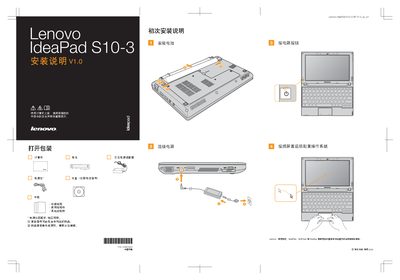
This manual provides step‑by‑step installation instructions for the Lenovo IdeaPad S10-3, including safety precautions, package contents, and initial configuration. It also explains how to use the Lenovo Quick Start feature to streamline the first‑time setup.
Additional sections describe the display technology used in the notebook, noting that the LCD panel is back‑lit by LED, and give troubleshooting tips for Windows system issues. This manual is written in Chinese.
| Display backlight type | LED |
|---|---|
| Operating system compatibility | Windows |
Reinstall the Windows core files or use the Lenovo Quick Start utility to restore the system.
The LCD panel uses an LED backlight.
The Quick Start guide is included and can be launched via the Lenovo Quick Start program.