
The document describes the features and characteristics of Lenovo IdeaPad U450 SP V1.0_SC_p1 and U450 SP V1.0_SC_p2.
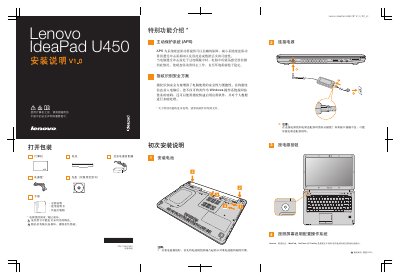
This manual provides step‑by‑step instructions for unpacking and setting up the Lenovo IdeaPad U450 SP V1.0. It begins with safety statements, power‑adapter connection, and battery installation, then describes the notebook’s special functions such as the Active Protection System and fingerprint security.
The guide also explains the operation of the various buttons, external‑device ports, display back‑light options, wireless‑communication switch, volume controls, One‑key Rescue button, and the graphics‑switch for HDMI use. Illustrations are provided for reference, but actual hardware may differ. This manual is written in Chinese.
Align the raised parts of the battery module with the recesses in the battery compartment and insert it.