
This manual introduces the basic use of network cameras, including product overview, appearance and installation, search device and control download and installation, software configuration and other content.
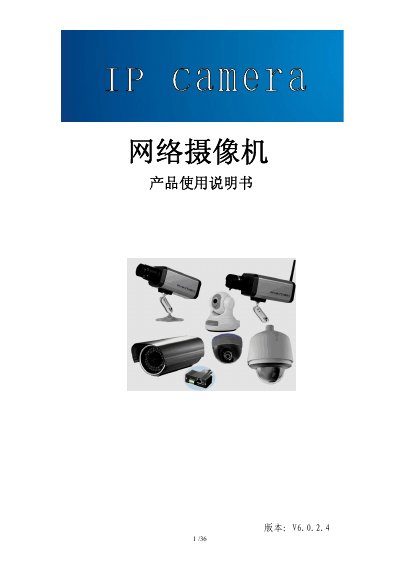
This manual provides an overview of the network camera series, including product features, basic technical parameters, and recommended usage environments. It describes the hardware components, connection diagrams for various camera types (storage gun, wireless storage gun, infrared dome, waterproof, and high‑speed dome), and the required accessories.
The guide details step‑by‑step procedures for installing the camera, configuring network settings, using the provided software tools, and performing common maintenance tasks such as password reset, firmware upgrade, and troubleshooting video or audio issues. This manual is written in Chinese.
| Video compression | H.264 baseline profile@Level 2.2 |
|---|---|
| Maximum video resolution | CCD: D1 (704×576 PAL, 704×480 NTSC); CMOS: VGA (640×480) |
| Bitrate | 10 Kbit/s – 4 Mbit/s |
| Audio input | 1 line‑in or passive MIC, impedance 2.2 kΩ |
| Audio compression | G.726 |
| Operating temperature | -10 °C ~ +55 °C |
| Storage capacity | SD card up to 32 GB |
Press and hold the RESET button on the camera or the junction box for more than 5 seconds while powered on; the device will restore factory defaults, and the default username and password are both “admin”.