
K series product manual, introduces the product overview, main functions, unpacking and cable connection, basic operation, main menu, system information and other contents, suitable for K series product users
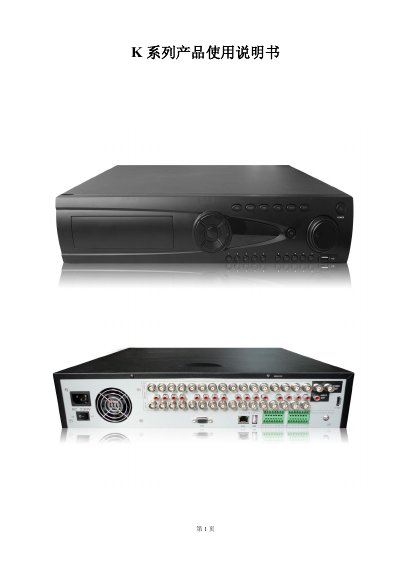
The K series product is a digital video recorder designed for security applications. It runs on an embedded Linux OS, uses H.264MP compression, and supports multiple video inputs and outputs, including BNC, VGA, and optional HDMI.
The manual provides detailed instructions for unpacking, rack‑mount installation, hard‑disk setup, system configuration, alarm handling, and routine maintenance, along with troubleshooting FAQs and appendices for remote‑control and mouse operation. This manual is written in Chinese.
| Rack size | Standard 2U |
|---|---|
| Operating temperature | 0 °C to 40 °C |
| Video input | BNC connector, PAL/NTSC |
| Video compression | H.264MP algorithm |
| Optional HDMI output | Available |
| RS‑485 interface | Alarm input, PTZ control, keyboard |
| RS‑232 interface | Keyboard and PC connection |
Possible reasons include missing player, missing DirectX 8.1 graphics driver, missing DivX or ffdshow plugins, or an unsupported Windows XP configuration.
Contact the local service personnel or the headquarters hotline and provide the device model and firmware version for assistance.