
This is a PDF file introducing Huawei P40 Pro mobile phone
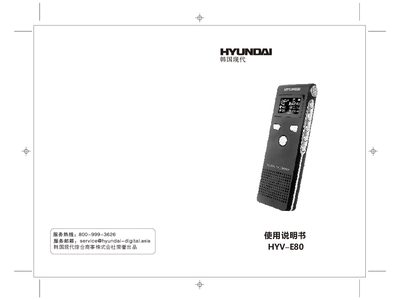
This manual covers safety precautions, physical layout, and functional overview of the HYV-E80 recording pen. It explains how to power the device, select recording modes, adjust volume, and use built‑in speaker or headphones.
Additional sections describe battery charging, memory formatting, USB data transfer, system settings, firmware upgrade procedures, and detailed technical specifications such as storage capacity, battery life, display, and audio formats. This manual is written in Chinese.
| Memory capacity | 2GB / 4GB / 8GB |
|---|---|
| Battery type | 400Am lithium, approx. 20 h recording |
| Playback time (headphones) | ≈10 h |
| Display | 128 × 64 dot‑matrix LCD (Chinese) |
| Microphone | Built‑in omnidirectional capacitive, 32 Ω |
| Audio formats | MP3, WMA; recording bitrates 576 kbps / 1152 kbps / 2304 kbps |
Switch the device to recording mode and short‑press the record button to begin recording.
Turn the power switch on, connect the unit to a computer via USB, and the charging indicator will show progress until full.
Connect the pen to a PC via USB, select the removable disk, and format it using FAT32 as you would format a regular hard drive.
The 400 mA lithium battery provides about 20 hours of recording and roughly 10 hours of playback with headphones.