
This manual describes how to use the wireless remote control (RCU) to operate the drone. It includes information on the drone's features and functions, as well as basic flight rules and safety tips.
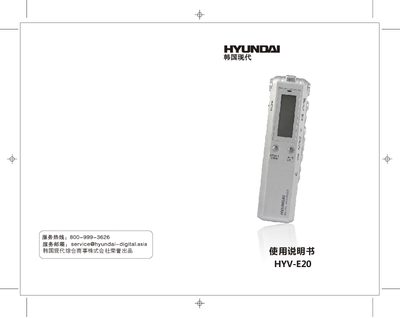
This manual introduces the HYV-E20 digital voice recorder, covering safety precautions, environmental restrictions, and basic handling. It explains the device’s layout, button functions, and display indicators, helping users become familiar with the recorder before first use.
Detailed operation sections describe power on/off, recording modes, playback controls, MP3 functions, keyboard lock, menu settings, USB file transfer, and telephone line box usage. The final part lists the product’s technical specifications such as display size, memory options, power source, audio formats, and supported operating systems. This manual is written in Chinese.
| Display size | 3114*30*17 mm |
|---|---|
| Memory capacity | 1 GB‑8 GB selectable |
| Power source | Two AAA batteries |
| Recording format | SP MP3 128 kbps, LP MP3 8 kbps |
| Frequency response | 20 Hz–20 kHz |
| Operating temperature | 5 °C‑40 °C |
| Supported operating systems | Windows 98/ME/2K/XP, macOS 10, Linux 2.4.2 |
Slide the HOLD switch to the lock position; the lock symbol appears and all keys become unresponsive until the switch is moved back.
Connect the recorder to a PC with the supplied USB cable; the device appears as a removable disk and files can be copied.