
Key facts
- Manuals
- 5
- Categories
- 2
- Languages
- KO · ZH
- Last added
- 2012-03-15
Featured 韩国现代 manuals
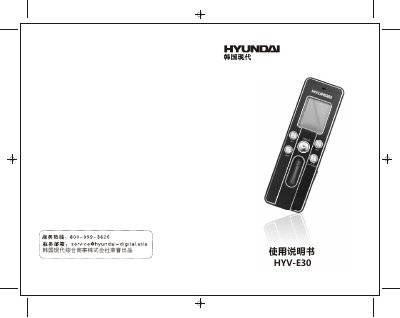
Hyundai HYV-E30 MP3Manual
This manual covers the HYV‑E30 portable recorder made by Hyundai. It includes safety precautions, a description of the device’s appearance and LCD display, battery‑level monitoring, and a list of accessories.
Detailed operating instructions are provided for powering the unit on and off, recording with the built‑in or external microphone, telephone recording, playback controls, MP3 and FM‑radio functions, file deletion, and configuration settings. The final sections give troubleshooting tips, product specifications, warnings, and legal statements. This manual is written in Korean.
Covers: Safety Precautions · Appearance and LCD Display · Battery Level Display · Power On/Off · Recording (built‑in, external, telephone) · Playback and MP3 Functions
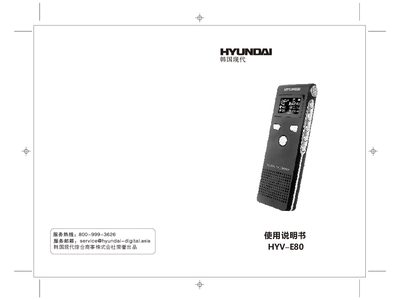
Hyundai HYV-E80 Recording Pen User Manual
This manual covers safety precautions, physical layout, and functional overview of the HYV-E80 recording pen. It explains how to power the device, select recording modes, adjust volume, and use built‑in speaker or headphones.
Additional sections describe battery charging, memory formatting, USB data transfer, system settings, firmware upgrade procedures, and detailed technical specifications such as storage capacity, battery life, display, and audio formats. This manual is written in Chinese.
Covers: 注意事项 · 外形说明 · 功能概述 · 电池指示 · 操作说明 · 系统设置
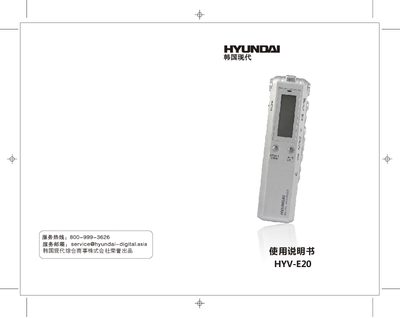
Hyundai HYV-E20 Digital Voice Recorder User Manual
This manual introduces the HYV-E20 digital voice recorder, covering safety precautions, environmental restrictions, and basic handling. It explains the device’s layout, button functions, and display indicators, helping users become familiar with the recorder before first use.
Detailed operation sections describe power on/off, recording modes, playback controls, MP3 functions, keyboard lock, menu settings, USB file transfer, and telephone line box usage. The final part lists the product’s technical specifications such as display size, memory options, power source, audio formats, and supported operating systems. This manual is written in Chinese.
Covers: Display Indicators · Physical Layout · Operation Instructions · Recording · Playback of Recordings · MP3 Playback
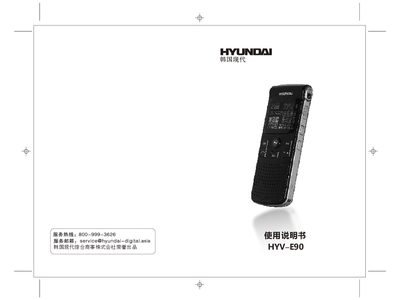
Hyundai HYV-E90 User Manual
This manual explains how to operate the HYV‑E90 portable audio player, including basic button functions, charging procedures, and how to load and manage music files. It also describes the supported audio formats, playback modes, and how to update firmware.
Technical specifications such as dimensions, weight, battery capacity, and USB 2.0 connectivity are listed, along with detailed troubleshooting steps for common issues like playback errors and storage problems. This manual is written in Chinese.
Covers: Features · Supported Audio Formats · Operating Modes · Charging and Power · Specifications · USB Interface
Latest 韩国现代 manuals
Hyundai HYV-E30 MP3Manual
User Manual 10 pages · 910 KB · KOThe Hyundai HYV-E30 recorder user manual provides safety instructions, operation steps, playback features, settings, and specifications.
Hyundai HYV-E10+ Manual
Hyundai HYV-E80 Recording Pen User Manual
User Manual 8 pages · 769 KB · ZHThe Hyundai HYV-E80 recording pen user manual provides setup, operation, battery, recording, playback, and specification details.
Hyundai HYV-E20 Digital Voice Recorder User Manual
User Manual 6 pages · 539 KB · ZHThe Hyundai HYV-E20 digital voice recorder user manual provides operation instructions, settings, safety guidelines, and specifications.
Hyundai HYV-E90 User Manual
User Manual 8 pages · 852 KB · ZHThe Hyundai HYV-E90 user manual provides operating instructions, specifications, and troubleshooting for the portable MP3 player.
Which document do I need?
User Manual
Day-to-day operation, settings and troubleshooting. Start here if the product is already set up.
Questions answered in 韩国现代 manuals
What happens when the battery is low?
If the battery is low, the recorder will automatically shut down after about 3–5 minutes of inactivity; charge the battery promptly.
How do I start a recording?
Switch the device to recording mode and short‑press the record button to begin recording.
How can I charge the HYV‑E80?
Turn the power switch on, connect the unit to a computer via USB, and the charging indicator will show progress until full.
How can I lock the keyboard to prevent accidental key presses?
Slide the HOLD switch to the lock position; the lock symbol appears and all keys become unresponsive until the switch is moved back.
How do I transfer recordings to a computer?
Connect the recorder to a PC with the supplied USB cable; the device appears as a removable disk and files can be copied.
What audio formats are supported?
The HYV‑E90 supports MP3 and WMA audio files.