
This is a controller keyboard manual that introduces the basic operation of the controller keyboard, including controlling the matrix switching/control system, calling one camera to the controlled monitor, controlling the decoder (remote control camera), etc.
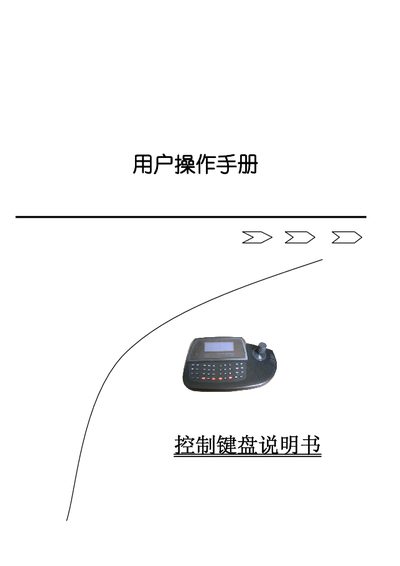
The Control Keyboard provides a versatile interface for switching and controlling multiple cameras, DVRs, and other video devices. It supports functions such as camera selection, pan/tilt control, zoom, focus, and various auxiliary features, all accessible through dedicated keys and a numeric input area.
The manual details power connection, lock code entry, key functions (e.g., AUX ON/OFF, F2, SHOT), and how to adjust speed and focus using the joystick. Navigation keys allow scrolling through pages, and the device operates on a 9 V–12 V DC supply with a maximum control range of about 1200 m. This manual is written in Chinese.
| Power Input | 9 V–12 V DC |
|---|
The speed is proportional to how far the joystick is displaced from the center.
Enter the camera number in the numeric area to switch to that camera.
Connect a 9 V DC power source to the power input and ground to GND.