
Key facts
- Manuals
- 2
- Categories
- 1
- Languages
- ZH
- Last added
- 2012-03-12
Featured 控制键盘 manuals
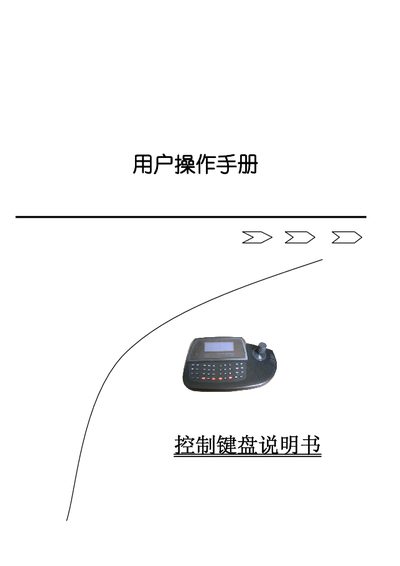
Control Keyboard User Manual
The Control Keyboard provides a versatile interface for switching and controlling multiple cameras, DVRs, and other video devices. It supports functions such as camera selection, pan/tilt control, zoom, focus, and various auxiliary features, all accessible through dedicated keys and a numeric input area.
The manual details power connection, lock code entry, key functions (e.g., AUX ON/OFF, F2, SHOT), and how to adjust speed and focus using the joystick. Navigation keys allow scrolling through pages, and the device operates on a 9 V–12 V DC supply with a maximum control range of about 1200 m. This manual is written in Chinese.
Covers: Device Overview · Power Supply and Connection · Lock Code Entry · Camera Selection · Pan/Tilt and Zoom Control · Auxiliary Functions
Control Keyboard User Manual
The manual provides safety and installation guidelines, including placement away from heat sources, proper ventilation and protection against electric shock. It also describes the power requirements (12 V DC) and wiring limits (shielded two‑core cable up to 1200 m).
Detailed instructions cover keyboard functions such as monitor and camera selection, password setting, free‑switch programming, alarm linkage, and control of decoders and high‑speed smart balls. Connection diagrams and dip‑switch settings for matrix and decoder interfaces are included. This manual is written in Chinese.
Covers: Safety and Installation Guidelines · Keyboard Function Keys · Password Setting and Reset · Monitor and Camera Selection · Free Switching Programming · Program Switching
Latest 控制键盘 manuals
Control Keyboard User Manual
User Manual 8 pages · 714 KB · ZHThis manual explains the functions, operation, and settings of the Control Keyboard used for camera and DVR control.
Control Keyboard User Manual
User Manual 8 pages · 714 KB · ZHChinese user manual that explains installation, operation and configuration of the system control keyboard for matrix switching systems.
Which document do I need?
User Manual
Day-to-day operation, settings and troubleshooting. Start here if the product is already set up.
Questions answered in 控制键盘 manuals
How is the pan/tilt speed controlled?
The speed is proportional to how far the joystick is displaced from the center.
How do I select a specific camera?
Enter the camera number in the numeric area to switch to that camera.
What is the maximum distance for the communication cable between the keyboard and the matrix host?
The shielded two‑core cable can be up to 1200 meters long.
How do I connect the keyboard to a decoder?
Use the shielded two‑core cable; connect the DC 12 V and GND lines, and follow the wiring diagram showing connections up to 1200 m.