
PG200/300 series programmers are developed and manufactured by Shenzhen Loto Software Development Co., Ltd., which are economic low-end programmers with low prices, simple and reliable structures and small sizes. They are suitable for a wide range of applications and are the first choice for hardware developers, students and business travelers. Due to its unique design concept, the programmer's cost is very low, so enterprise hardware developers and electronic engineering students can have one at their fingertips.
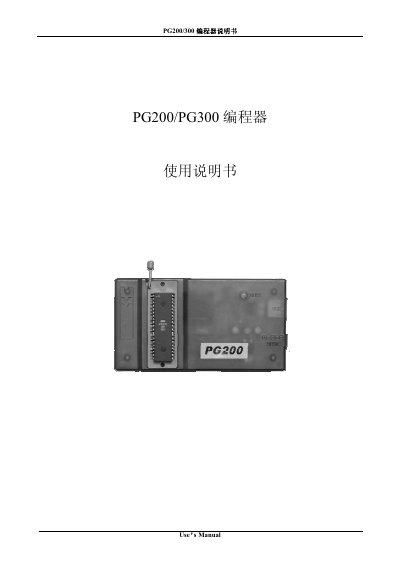
The PG200/300 series is an economical programmer developed by Shenzhen Lotel Software Development Co., Ltd. It supports a range of micro‑controllers such as AT89C51‑55, W78E51‑58 and many EEPROMs. The manual provides model definitions, performance features, technical parameters, hardware installation, software installation, and detailed software usage.
The guide walks users through connecting the device via USB or a DC9V adapter, installing the Windows software, configuring chip parameters, and performing programming operations. It also includes operation tips for high‑speed production and a troubleshooting section for common issues. This manual is written in Chinese.
| Serial communication speed | 115.2 Kbaud |
|---|---|
| Power supply options | USB or external DC 9 V |
| Static working current | 100 mA |
| Programming current | 120 mA |
| Dimensions | 134 mm × 72 mm × 23 mm |
Insert the long‑end USB plug into the programmer’s USB socket, the short‑end USB plug into the PC, and connect the DB9 plug to the serial port.
Make sure the power supply is connected, the cables are firmly seated, and the device is receiving power.
Enable the auto‑write function with the Reship Chip option in the Config page; this starts programming automatically when a chip is inserted.
Open the Modify Chip menu, select the chip to copy, change the Name, Describe, Code and Size fields, then save the new entry.