
The USB2I2C converter is a USB bus adapter that can convert between USB bus and I2C mode. It provides a master I2C interface, allowing direct data input and output between a PC host and a downstream controller. The converter supports communication with various I2C devices, such as EEPROM, GPIO expansion chips, real-time clock chips, ADC chips, DAC chips, and temperature sensors. It also supports reading and writing of devices with non-standard I2C protocols.
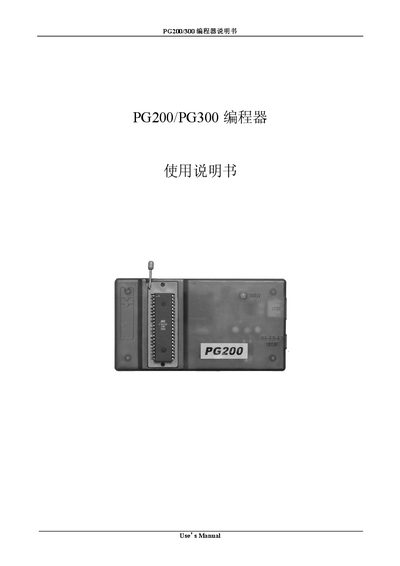
This manual describes how to operate the PG200/PG300 programmer, including chip selection, configuration, and programming procedures. It covers commands such as "Open", "Save As...", "Chip Selected", "Program Start", "Erase", and "Verify".
The document also details hardware settings like power input, temperature limits, humidity ranges, and COM port configuration. Sections on activation, auto‑select, and lock status guide users through advanced functions of the device.
| Power input | AC/DC 9V/500mA |
|---|---|
| Operating temperature | -20 °C to +50 °C |
| Storage temperature | -20 °C to -80 °C |
| Typical current consumption | 100 mA |
Use the "Chip Selected" command to choose the target chip before programming.
Press the "Program Start" button or select the "Program Start" command in the software.
Select the desired COM port using the "Com port" setting in the configuration menu.