
Key facts
- Manuals
- 2
- Languages
- ZH · EN
- Last added
- 2012-03-12
Featured PG200/PG300 manuals
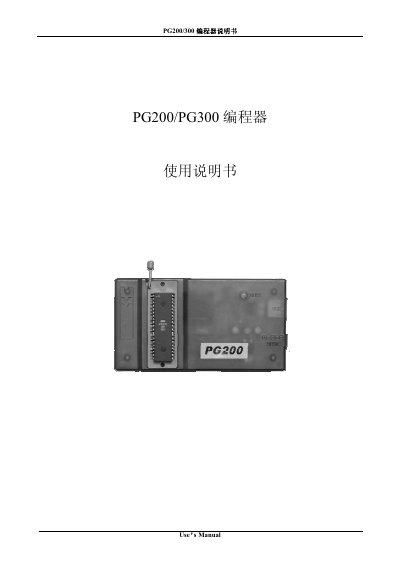
PG200/PG300 programming Manual(1)
The PG200/300 series is an economical programmer developed by Shenzhen Lotel Software Development Co., Ltd. It supports a range of micro‑controllers such as AT89C51‑55, W78E51‑58 and many EEPROMs. The manual provides model definitions, performance features, technical parameters, hardware installation, software installation, and detailed software usage.
The guide walks users through connecting the device via USB or a DC9V adapter, installing the Windows software, configuring chip parameters, and performing programming operations. It also includes operation tips for high‑speed production and a troubleshooting section for common issues. This manual is written in Chinese.
Covers: Introduction · Hardware Installation · Software Installation · Software Usage · Operation Tips · Common Problems
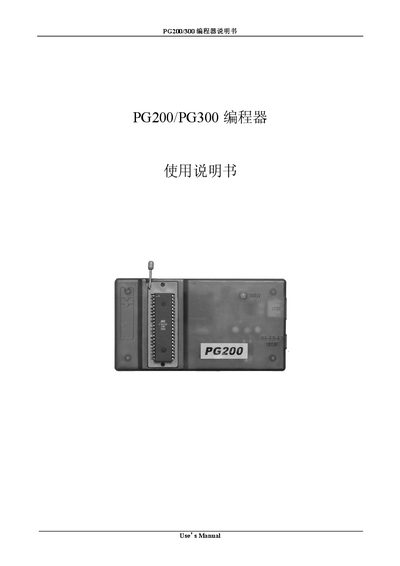
Lotel PG200/PG300 Programming Manual
This manual describes how to operate the PG200/PG300 programmer, including chip selection, configuration, and programming procedures. It covers commands such as "Open", "Save As...", "Chip Selected", "Program Start", "Erase", and "Verify".
The document also details hardware settings like power input, temperature limits, humidity ranges, and COM port configuration. Sections on activation, auto‑select, and lock status guide users through advanced functions of the device.
Covers: Use's Manual · Section 1-1 · Section 1-2 · Section 1-3 · Section 4-1 · Section 4-2
Latest PG200/PG300 manuals
PG200/PG300 programming Manual(1)
User Manual 21 pages · 523 KB · ZHThe Lotel PG200/300 programmer manual explains hardware setup, software installation, and usage for programming various ICs.
Lotel PG200/PG300 Programming Manual
Programming Manual 21 pages · 523 KB · ENThe Lotel PG200/PG300 Programming Manual provides step‑by‑step instructions for using the programmer and its features.
Which document do I need?
User Manual
Day-to-day operation, settings and troubleshooting. Start here if the product is already set up.
Programming Manual
Instruction set, parameters and examples for configuring or programming the device.
Questions answered in PG200/PG300 manuals
How do I connect the programmer to a computer?
Insert the long‑end USB plug into the programmer’s USB socket, the short‑end USB plug into the PC, and connect the DB9 plug to the serial port.
What should I check if the indicator light does not flash?
Make sure the power supply is connected, the cables are firmly seated, and the device is receiving power.
How do I select a chip in the PG200/PG300 programmer?
Use the "Chip Selected" command to choose the target chip before programming.
How do I start a programming operation?
Press the "Program Start" button or select the "Program Start" command in the software.