
This is the instruction manual for the ONKYO ND-S1 Digital Media Transport, which introduces the product's features and characteristics and usage methods.
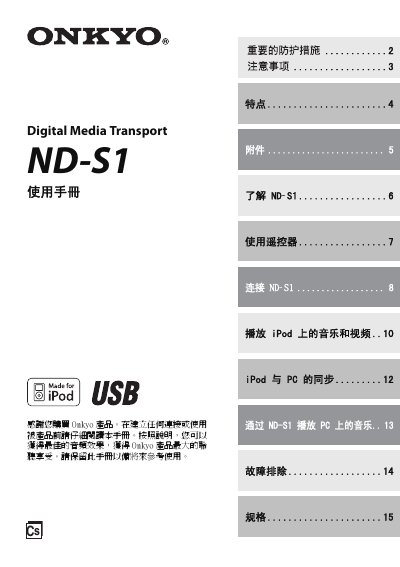
The ND‑S1 Digital Media Transport lets you play music and video from an iPod or a PC through an Onkyo audio system. It converts the digital audio signal from the iPod or PC to optical or coaxial digital outputs and can also charge the iPod when powered by its AC adapter. The manual covers product features, accessories, and how to operate the device with the supplied remote control.
Installation steps include connecting the optical, coaxial, USB, and video cables to your amplifier or AV receiver, attaching the AC adapter, and inserting the iPod with its adapter. The guide also details button functions, remote‑control battery replacement, troubleshooting tips, and full technical specifications. This manual is written in Chinese.
| Power Input | 100–240 V AC adapter (5 V/1 A) |
|---|---|
| USB Power Consumption | 250 mA |
| Standby Power Consumption | < 0.4 W |
| Dimensions (W × H × D) | 205 mm × 35 mm × 175 mm |
| Weight | 530 g |
| Audio Output Connectors | Optical digital audio out, Coaxial digital audio out |
| PC System Requirements | Windows XP SP2+ or Vista, 1 GHz CPU, ≥512 MB RAM, 200 MB free disk, DirectX 9.0 graphics, ≥32 MB video memory, 1024 × 768 display |
Press the [PC] button on the unit or the [iPod/PC] button on the remote; the PC indicator light turns green.