
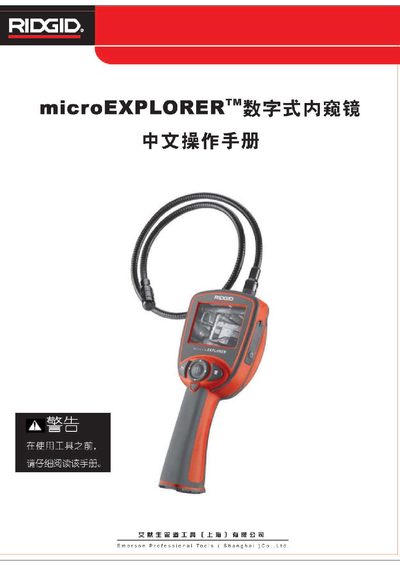
This manual introduces the RIDGID microEXPLORER, a handheld digital endoscopic inspection system. It outlines safety symbols, recommended personal protective equipment, and general workplace safety rules to prevent electric shock, entanglement, or other hazards.
The guide details how to assemble the tool, install and remove the rechargeable Li‑ion battery, attach camera accessories, insert an SD card, and operate the device using its buttons, menus, and LCD screen. Maintenance, fault diagnosis, and warranty information are also covered. This manual is written in Chinese.
| Battery type | 3.7 V Li‑ion |
|---|---|
| Battery runtime | 3–4 hours continuous use |
| Display size | 3.5 inches TFT LCD |
| Display resolution | 320 × 240 RGB |
| Maximum image resolution | 1024 × 1280 pixels |
| Video resolution | 320 × 240 pixels |
| Operating temperature range | 32 °F – 113 °F (0 °C – 45 °C) |
| Operating humidity | 59 % – 95 % non‑condensing |
| Storage temperature range | -40 °F – 158 °F (-20 °C – 70 °C) |
| Maximum camera depth rating | 10 inches (≈ 25 cm) |
| Computer interface | USB |
Open the plastic cover of the SD slot, insert the card with the angled edge first so the contacts face the user, and the SD‑card icon will appear on the screen.
The microEXPLORER can operate from 32 °F to 113 °F (0 °C to 45 °C).