
This document introduces the features and characteristics of the SC-HT6600 DVD player
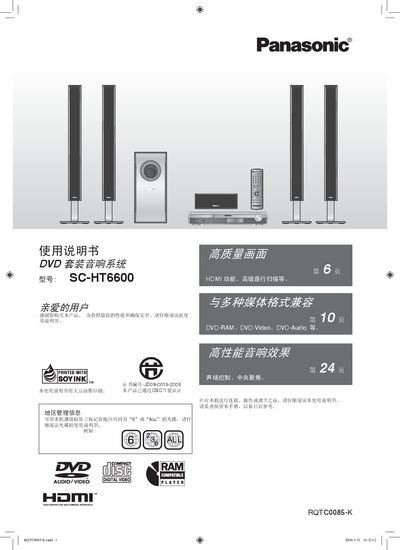
This manual explains how to install and operate the Panasonic SC-HT6600 HDMI DVD Player and its accompanying speaker system. It covers safety precautions, power connection, antenna setup, and the use of the remote control.
Detailed sections describe speaker assembly, audio and video connections (including HDMI, component, S‑Video and audio cables), presetting FM/AM stations, and troubleshooting common issues. The guide also lists supported disc formats and battery handling for the remote.
| Supported disc formats | DVD‑RAM, DVD‑Video, DVD‑Audio |
|---|---|
| Standby power consumption | ≈ 1 W |
Use non‑rechargeable batteries; do not use rechargeable batteries.
Only the supplied speakers should be used; other speakers may damage the unit and affect sound quality.
Connect the HDMI cable to the TV’s HDMI port and set both “Image Output” and “Sound Output” to ON.