
This is a user manual for a digital camera, which introduces the camera's safety precautions, quick guide, standard accessories and other information.
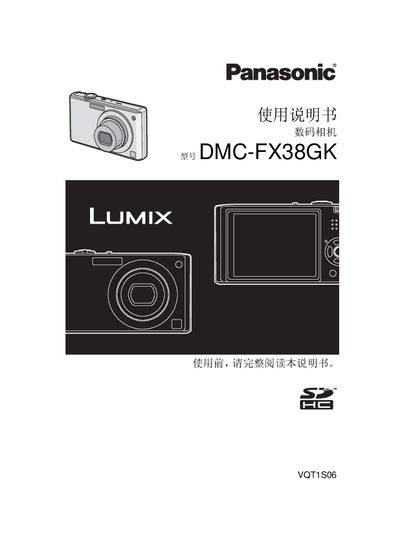
This manual covers safety precautions, battery charging, and accessory information for the Panasonic DMC-FX38GK digital camera. It explains how to insert the battery and memory card, how to use shooting and playback modes, and how to adjust menu settings.
A quick guide section gives step‑by‑step instructions for charging the battery, taking photos, deleting images, and connecting the camera to a PC or TV. Environmental disposal and RoHS compliance details are also included. This manual is written in Chinese.
| Dimensions (W×H×D) | ≈ 947 mm × 51.9 mm × 22.0 mm |
|---|---|
| Weight (without battery or memory card) | ≈ 125 g |
| Weight (with battery and memory card) | ≈ 146 g |
| Operating temperature | 0 °C to 40 °C |
| Operating humidity | 10 % to 80 % |
| Battery charger input voltage | 110 V–240 V, 50/60 Hz, 0.2 A |
| Battery charger output | 4.2 V, 0.8 A |
Connect the supplied charger to AC power and insert the battery; the charger will charge the battery before first use.
Select the delete function in playback mode; you can delete a single image, up to 50 images, or all images at once.