
This document describes the features and characteristics of the Panasonic DMC-FZ28GK VQT1S55 camera, including the supported memory card types, battery usage instructions, and LCD display.
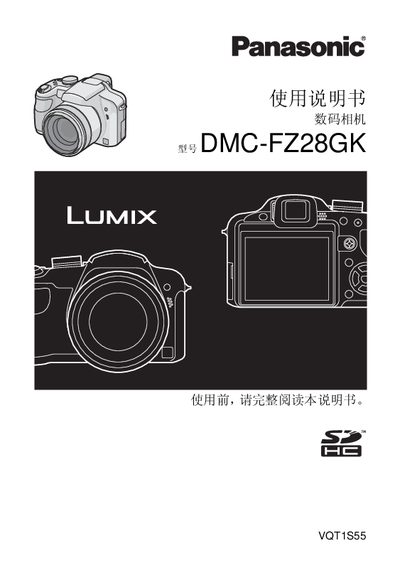
This manual covers safety precautions, battery handling, and proper disposal of the Panasonic DMC-FZ28GK digital camera. It explains how to charge the lithium‑ion battery, warns against fire, explosion, and overheating, and details the required accessories such as the charger, AC cable, USB cable, and AV cable.
The guide also describes camera operation, including lens attachment, shooting modes, flash usage, playback functions, and connection to external devices. Detailed sections on memory card insertion, LCD/EVF usage, and troubleshooting help users capture and view images safely and effectively. This manual is written in Chinese.
| Dimensions (W×H×D) | 1176 mm × 753 mm × 889 mm |
|---|---|
| Weight (without battery and memory card) | ≈ 370 g |
| Battery type | Lithium‑ion |
| Input voltage | 110‑240 V AC, 50/60 Hz |
| USB port | USB 2.0 (high speed) |
| Special connector (10‑pin) | 10‑pin dedicated connector |
| Special connector (8‑pin) | 8‑pin dedicated connector |
The camera ships with an uncharged battery; you must charge it before using the camera.
Do not expose the battery to fire, heat above 60 °C, or disassemble it; improper handling can cause fire, explosion, or burns.
Insert the memory card into the slot as described; if no card is used, images can be stored in the internal memory.
Wipe the camera body with a dry cloth carefully to remove water or seawater.