
This document is a user manual for a color LCD display. It introduces the features and functions of the color LCD display. The display uses the latest digital processing circuit and TFT LCD screen, and has advantages such as low power consumption, stable performance, no radiation, convenient operation, and safety. In addition, the display supports multiple signal inputs, making it suitable for closed-circuit monitoring systems, automotive entertainment systems, PC operating systems, vehicle navigation systems, as well as POS, ATM, and other applications.
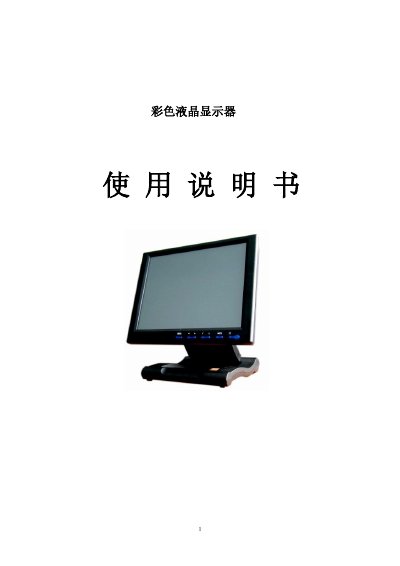
This manual introduces the color TFT LCD display, its key features, available input interfaces (VGA, AV, DVI, HDMI), and typical applications such as surveillance systems, vehicle video, PC operation, and navigation. It also provides safety and handling guidelines.
The guide details button functions, remote control usage, menu navigation, signal switching, and adjustment settings for brightness, contrast, color temperature, and other picture parameters. Technical specifications, accessories, and a troubleshooting section are included. This manual is written in Chinese.
| Screen Size | 10.4" |
|---|---|
| Screen Type | TFT LCD |
| Resolution | 800*600 |
| Maximum Resolution | 1920*1440 |
| Brightness | 250 cd/㎡ |
| Contrast Ratio | 500:1 |
| Response Time | 5 ms |
| Viewing Angle | 70°/70° (L/R) 50°/60° (U/D) |
| Power Consumption | ≤7 W |
| Input Voltage | DC 9‑15 V |
| Dimensions (folded) | 252 mm × 216 mm × 73 mm |
| Weight | 1520 g |
| Touch Screen Options | 4‑line resistive (USB/RS232) or optional 5‑line resistive |
Check that the color level, brightness, and contrast settings are properly adjusted.
Verify that the video signal cable is correctly connected and that a qualified cable is used.